troopern69
New member
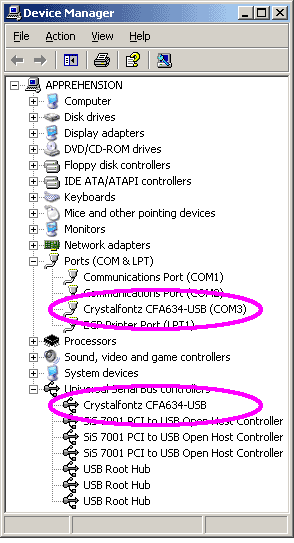
Just got the 633 and installed is through usb and loaded the latest drivers and CrystalControl.
LCD screan Displayed as follows
Crystalfontz 633
HW:v1.3 FW:v1.5
When I play around with the crystal control, the program displays my selected module but the actual LCD screen stays the same as before. Nothing I do seems to change the display...
Everying thing seems in order... I'm I missing something here?
thx
LCD screan Displayed as follows
Crystalfontz 633
HW:v1.3 FW:v1.5
When I play around with the crystal control, the program displays my selected module but the actual LCD screen stays the same as before. Nothing I do seems to change the display...
Everying thing seems in order... I'm I missing something here?
thx
Looking for additional LCD resources? Check out our LCD blog for the latest developments in LCD technology.