Martinm210
New member
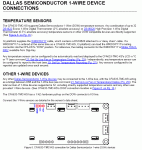
Sorry for the stupid question, I just bought a used 633 serial LCD (without anything) and trying to understand which header is for the sensors.
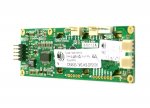
This is the back of my 633
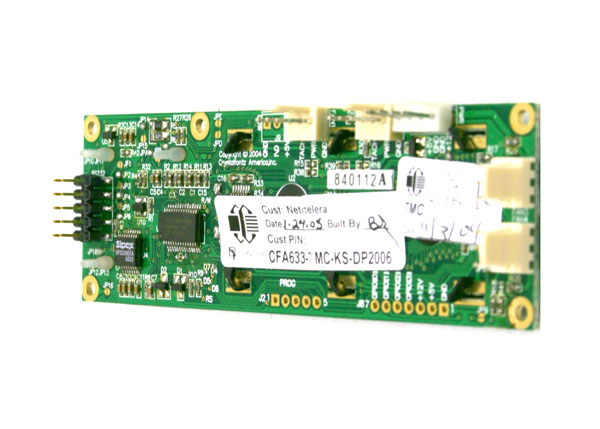
But I only see a serial 10 pin header on the far left, and then four three pin fan headers and one four pin header which appears to be the floppy style power connector.
Does this have a sensor connector?
I know I'll need to buy a 10pin to 10pin ribbon cable here, and I'll probably pick up at least one premade sensor, but I wanted to get this figured out before I make that purchase so I can order anything else I might need.
Thanks!
Martin
This is the back of my 633
But I only see a serial 10 pin header on the far left, and then four three pin fan headers and one four pin header which appears to be the floppy style power connector.
Does this have a sensor connector?
I know I'll need to buy a 10pin to 10pin ribbon cable here, and I'll probably pick up at least one premade sensor, but I wanted to get this figured out before I make that purchase so I can order anything else I might need.
Thanks!
Martin
Looking for additional LCD resources? Check out our LCD blog for the latest developments in LCD technology.
Attachments
-
 IMG_1288CFA.JPG68.7 KB · Views: 1,002